
Blog
PC Repair vs Laptop Repair: What Costs More and Takes Longer
Compare PC repair vs laptop repair in Calgary: see what affects access, parts, data safety, turnaround, and whether repair or replacement makes sense.
Compare PC repair vs laptop repair in Calgary: see what affects access, parts, data safety, turnaround, and whether repair or replacement makes sense.
Key facts
- Published: July 10, 2026
- Last updated: October 29, 2026
- Reading time: 10 min read
- Questions about your own device: Call (403) 273-8324
Last updated
PC Repair vs Laptop Repair: What Costs More and Takes Longer
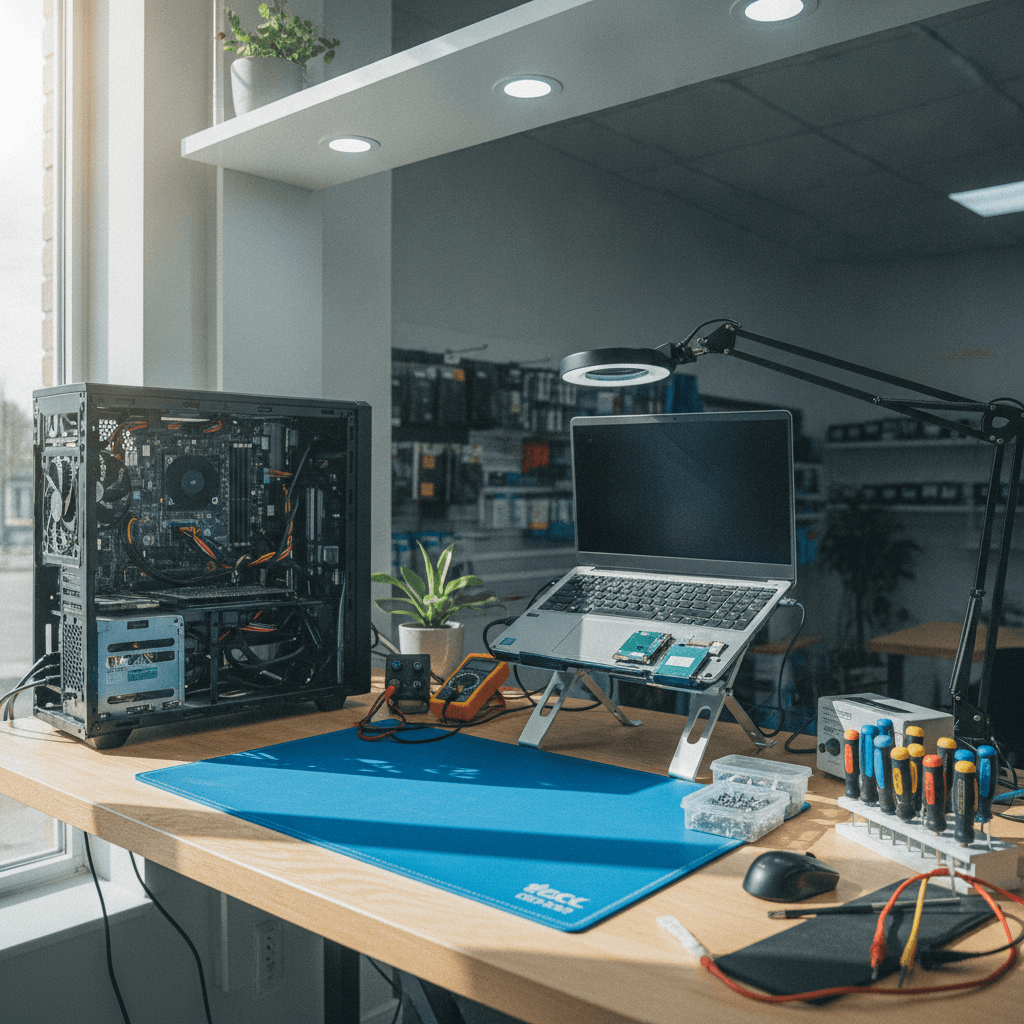
Published by Imran Mohammed at TechBrotherz, the walk-in repair Store at 3317 17 Ave SE in Calgary. July 10, 2026, updated October 29, 2026.
No article on this site is paid for or sponsored. For a quote on your own device, call (403) 273-8324.
Last updated: October 2026
Key takeaway:PC repair is usually faster and more flexible than laptop repair because desktop parts are easier to access, replace, and source. Laptop repairs can take longer when the fault involves a model-specific screen, keyboard, battery, port, or soldered component, so the right choice depends on the failure, parts availability, data needs, and how well the device still suits your work.
By TechBrotherz • Refreshed for 2026
When people search for PC repair vs laptop repair, they are usually trying to answer a practical question: should this device be repaired, how long might it take, and is the work likely to be worthwhile? The answer is not simply that one type of computer is better. Desktops are generally easier to open and upgrade, while laptops save space and travel well but combine more parts into a smaller, model-specific assembly.
For customers seeking computer repair in Calgary, the most useful comparison focuses on access, parts, testing, data protection, and expected downtime. A clear diagnosis matters more than guessing from the device category alone.
What this PC and laptop repair comparison covers
This guide explains why desktop and laptop repairs differ, which seven factors affect bench time, and how to decide between repair and replacement. It also covers data safety, parts availability, local walk-in planning, and the questions to ask before authorizing work.
TechBrotherz provides walk-in diagnostics and repairs at 3317 17 Ave SE in Calgary. The shop serves Calgary, nearby Chestermere and Airdrie, and the surrounding service areas listed by the business. Repairs are backed by a 60-day warranty, and the team also works on iPhone, Samsung Galaxy, iPad, and other tablets.
| Planning detail | What to know |
|---|---|
| Service model | Walk-in diagnostics and repairs; no appointment is required |
| Warranty | 60-day warranty on repairs |
| Device coverage | Desktop PCs, laptops, iPhone, Samsung Galaxy, iPad, and other tablets |
| Location | 3317 17 Ave SE, Calgary |
| Service area | Calgary, Chestermere, Airdrie, and nearby Calgary communities |
Planning a Southview walk-in
Bring the computer, charger, power adapter, and any unusual accessories that may be needed to reproduce the fault. If the device still starts, back up important files before visiting. A weekday mid-morning visit may be easier to fit around errands along 17 Ave SE, while customers combining computer work with phone or tablet service can bring the devices together for one intake.
Calgary cold weather can expose weak batteries or charging connections, but a shutdown after outdoor use does not prove that the battery is the only problem. Diagnostics should distinguish battery health from power, thermal, operating-system, and board faults.
PC repair vs laptop repair: the core difference
A desktop PC normally has a roomy case with separate components such as memory, storage, power supply, graphics card, cooling fans, and sometimes a replaceable processor. A technician can often reach and test those parts without removing the entire system board. Standardized desktop components also tend to be available from more than one supplier.
A laptop puts many functions into a thin chassis. The battery, keyboard, touchpad, display, webcam, speakers, cooling assembly, charging circuitry, and system board are arranged around short cables, clips, screws, and sometimes adhesive. Some memory or storage may be soldered, and replacement parts can be tied to the exact model or configuration.
What that difference means at the bench
- Access: A desktop side panel usually provides direct access, while a laptop may require a careful bottom-cover and battery removal before testing can begin.
- Parts: Desktop RAM, power supplies, fans, and storage often follow common form factors. Laptop keyboards, hinges, screens, ports, and top cases are more frequently model-specific.
- Testing: A desktop component can often be isolated with a swap or bench test. A laptop fault may require cable inspection, partial disassembly, and additional thermal or charging checks.
- Upgradeability: Desktop upgrades are commonly more flexible. Laptop upgrade options depend on the model; some systems permit storage or memory changes, while others use soldered components.
These are general repairability patterns, not a promise about every model. A business-class laptop may be easier to service than a sealed consumer notebook, and a custom desktop with unusual parts may take longer than a common office laptop.
Why laptop repair can take longer
Laptop repair is often slower because the technician must preserve several connected assemblies while reaching the failed part. A keyboard issue may involve the top case rather than a single replaceable key. A charging problem may be caused by the adapter, battery, DC jack, charging circuit, or system board, and those possibilities need to be separated before parts are ordered.
Common laptop jobs with extra steps
- Battery and charging faults: The battery, adapter, charging port, and board circuitry need separate checks before replacement.
- Cooling service: Access to the fan and heatsink may require removing the battery, shielding, or system board. After cleaning or thermal service, the computer needs temperature and stability testing.
- Screen replacement: A display repair can involve bezel clips, hinges, display cables, camera wiring, and antenna routing. The finished repair should be checked for image quality, brightness, camera function, and hinge alignment.
- Keyboard or hinge damage: Some designs make the keyboard or hinge part of a larger top-case assembly, increasing both handling time and parts dependency.
- Soldered storage or memory: If a part cannot be removed like a desktop drive or RAM module, the repair plan may shift toward data recovery, board diagnosis, or replacement of the whole system board.
For a broader example of how laptop repair and desktop repair differ in cost and turnaround, this Calgary-focused laptop service overview provides additional market context. It should not replace a device-specific diagnosis.
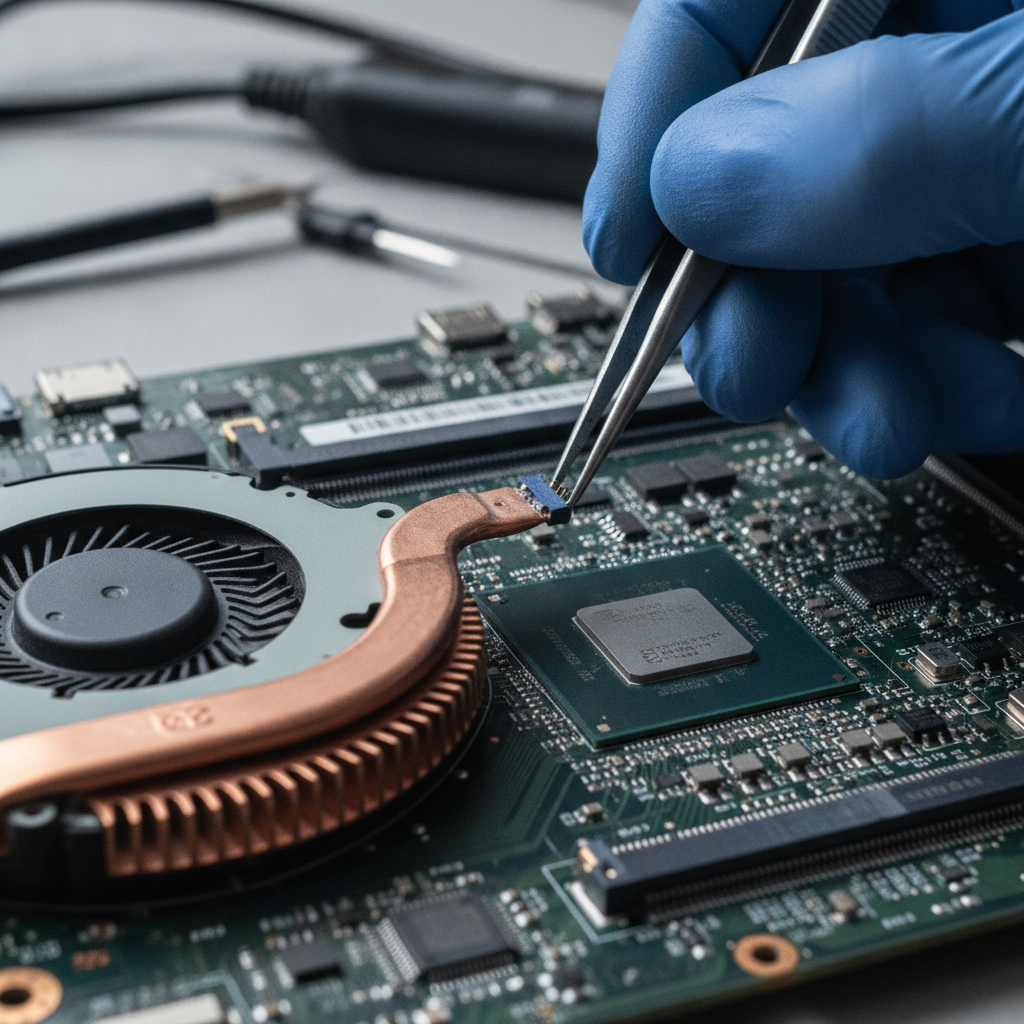
Seven factors that affect repair time and cost
There is no reliable single price for PC repair or laptop repair without knowing the symptom and model. The following seven factors help explain why two devices with the same complaint can receive different estimates.
1. Component standardization
Desktop parts such as many power supplies, drives, fans, and memory modules are available in recognized formats. A laptop may need a part made for one family of models, which affects sourcing and compatibility checks.
2. Depth of disassembly
A desktop diagnosis may begin after removing one panel. A laptop may require multiple layers to be removed before the relevant component is visible, with additional time needed to document cable positions and reassemble the chassis safely.
3. Repair versus replacement options
A replaceable desktop component creates more options than a damaged laptop board or soldered part. The technician must identify whether the failed item can be repaired, replaced independently, or only addressed through a larger assembly.
4. Parts availability
Widely available parts can shorten the wait. Older, uncommon, or model-specific laptop components may require a supplier search and compatibility confirmation before approval.
5. Thermal design
Dust, blocked vents, dried thermal material, and failing fans affect both form factors. Compact laptops generally have less room for airflow, so a successful repair may require more careful temperature and stability testing.
6. Data access
A desktop drive is often easier to remove or connect for cloning. Laptop storage may be buried or soldered, so the safe plan can involve backup, recovery, board diagnosis, or approval for a higher-risk procedure.
7. Post-repair testing
A repair is not complete when the computer turns on. Boot tests, storage checks, charging tests, temperature monitoring, display checks, and stress testing should match the original symptom and the part that was changed.
Desktop PC and laptop repair side by side
The comparison below is a planning guide rather than a guaranteed turnaround. The exact model, failure, parts supply, and data condition determine the final recommendation.
| Decision factor | Desktop PC | Laptop |
|---|---|---|
| Physical access | Usually open and direct | Often layered and compact |
| Common parts | More standardized and interchangeable | More model-specific |
| Upgrade flexibility | Often broader, depending on the build | Depends heavily on the model |
| Cooling service | Generally easier to reach | May require deeper disassembly |
| Data handling | Drives are often easier to remove or clone | Storage may be buried or soldered |
| Common turnaround pattern | Same-day common fixes may be practical | Depends more on teardown and parts |
| Replacement decision | One failed part may be replaceable | Board or assembly failures can change the economics |
How to decide whether to repair or replace
Repair is usually worth investigating when the fault is isolated, the computer still meets your workload, and the required part is available. Examples include a failed desktop SSD, a worn laptop battery, a noisy fan, damaged charging hardware, or a display that can be replaced without broader board damage.
Replacement deserves consideration when several major systems are failing, the device cannot run the software you need, compatible parts are unavailable, or the repair would leave an old platform with another likely failure. A diagnosis should still come first: replacing a computer because of a bad charger or full drive can waste money, while repairing a heavily damaged board may not be sensible.
Use this pre-visit checklist
- Write down exactly what happens: no power, no display, slow startup, overheating, shutdowns, noise, or an error message.
- Back up important files if the computer still boots, and do not repeatedly power on a device that has suffered liquid damage.
- Bring the correct charger, power cable, login information if needed for testing, and any recent error details.
- Note drops, liquid exposure, travel, cold conditions, recent upgrades, or software changes.
- Ask whether the proposed fix is a part replacement, a larger assembly, a board repair, a data service, or a combination.
- Request confirmation of parts availability, expected testing, warranty coverage, and the approval point before additional work.
What to confirm before approving work
In Alberta, consumers have rights around requested services, honest advice, and clear cost information. The Alberta consumer bill of rights explains that consumers should only be charged for goods or services they requested and agreed to pay for, and should receive honest advice about whether repair or replacement is needed.
Before authorizing a repair, ask for the diagnosed fault, the proposed work, the expected total or estimate, and what happens if another fault appears during testing. If the scope changes, pause and obtain approval rather than assuming that a second part is included.
Why parts access matters
Independent repair can be a practical and cost-competitive option when the appropriate spare parts and technical information are available. Canadian right-to-repair consultation material also describes how proprietary parts and manufacturer supply requirements can affect independent service. That is one reason a technician should verify the exact model before promising a turnaround.
Keep the written intake, estimate, approval, and final invoice. If a concern remains after a repair, first describe the problem clearly to the business and ask how it will be addressed.
What TechBrotherz can assess for PCs and laptops
TechBrotherz assesses common desktop and laptop problems including no-boot symptoms, storage upgrades and data migration, overheating, fan issues, charging and DC-jack problems, display faults, keyboard and hinge damage, and other hardware concerns where parts and repairability permit. The correct service depends on the diagnosis rather than whether the device is branded as a PC or laptop.
The shop also handles iPhone, Samsung, iPad, and other tablet repairs. Customers with several devices can ask for a coordinated intake, while the technician explains which work can proceed immediately and which job depends on a part or additional approval.

PC repair vs laptop repair FAQ
Is PC repair usually faster than laptop repair?
Desktop PC repair is often faster because technicians can reach standardized components more directly. A laptop may take longer when the issue requires deep disassembly, a model-specific part, or extra thermal and charging tests. The symptom and exact model still determine the actual turnaround.
Is laptop repair more expensive than desktop repair?
It can be, particularly when the laptop needs a proprietary screen, keyboard, hinge, top case, system board, or difficult-to-source part. A simple battery or storage service may be straightforward, while a desktop with unusual components can also require extra time. Compare the diagnosed work and parts, not just the device category.
Should I repair or replace a computer that will not turn on?
Start with diagnostics rather than assuming the computer is finished. The cause may be a charger, power supply, battery, memory module, storage device, display path, or system board. Repair is more attractive when the failure is isolated and the computer still meets your needs; replacement becomes more reasonable when multiple major parts or the platform itself are no longer suitable.
Can my data be protected during PC or laptop repair?
Data protection should be discussed before hardware work begins. Desktop drives are often easier to remove or clone, while laptop storage may be buried or soldered and may require a different recovery plan. Back up files before visiting whenever possible, and ask what testing will access your data.
Conclusion: choose the repair path that fits the failure
PC repair is generally more modular and accessible, while laptop repair is more dependent on compact design, model-specific parts, and careful disassembly. Use access, parts availability, repairability, data needs, performance requirements, and testing - not the device label alone - to decide whether repair makes sense.
For Southview and other Calgary customers, a walk-in diagnostic can turn a no-boot, overheating, charging, or slow-computer symptom into a documented repair-versus-replace decision. Bring the device and its power accessories, protect your data first, and confirm the work and warranty before proceeding.
Need a Calgary computer repair assessment?
Visit TechBrotherz for walk-in PC or laptop diagnostics in Calgary, with service for other common devices and a 60-day repair warranty.
Related pages
Rather just ask a person?
Call (403) 273-8324 and describe the problem, or walk in to 3317 17 Ave SE in Calgary. Every repair is quoted free before any work starts.